Our hosted connector links 3CX to Activix CRM for car dealerships. The latest releases add live call tracking, voicemails delivered to Activix and AI voicemail detection on outbound calls. Several existing rules have also become more flexible. Here is what changes for your advisors and your BDC.
The lead follows the call live
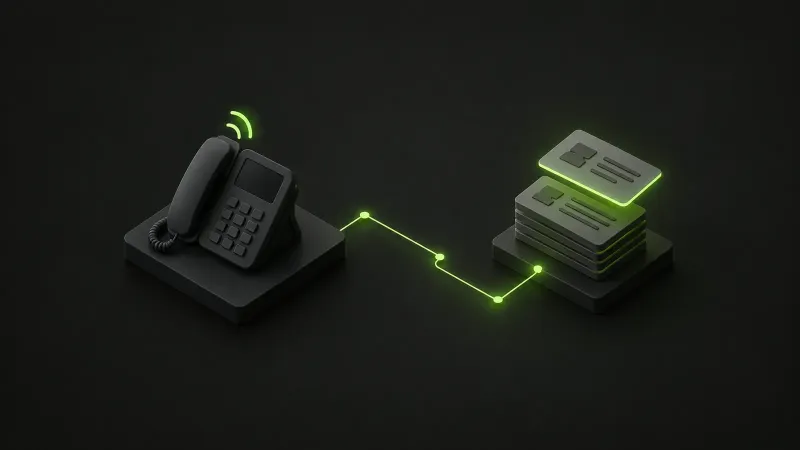
Live call tracking, previously offered in beta, is now a standard part of the connector. The lead stays attached to the call as it moves through the IVR, queues and transfers. A lead created during the call is assigned as soon as the call is answered.
While the phone rings, a line under the call shows the lead’s status, division, type and advisor. The agent knows who they are talking to before picking up.
The Activix record on answer
When the agent answers, the lead’s Activix record can open automatically. They no longer have to look up the customer while the customer explains why they are calling.
Voicemails in Activix
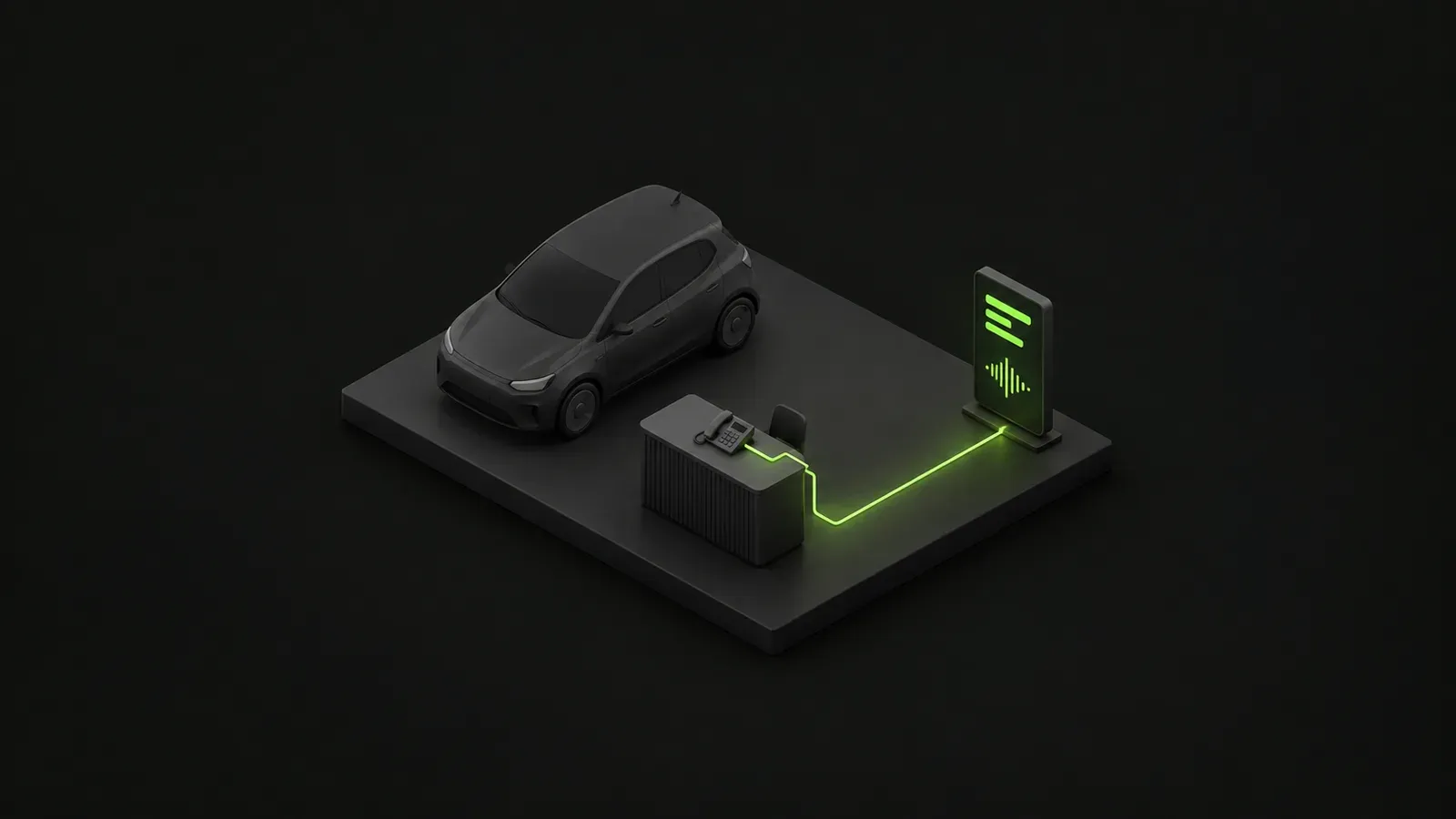
A voicemail left for the dealership is now added to the lead, with the audio, transcript and a summary. The advisor reviews it right in the record. Voicemails and very short outbound calls are logged as contact attempts rather than conversations.
AI voicemail detection
On outbound calls, AI now recognizes when it has reached a voicemail greeting. The call is then logged as an attempt rather than a conversation. We provide this detection with the connector: you do not need to supply an AI key.
More flexible rules
- Assignments: existing assignments are respected by default. This can now be turned off for a specific rule, and default users can be set per account, division or department.
- Lead creation: each rule sets the lead type, the missed-call policy and the statuses to skip during lookup.
- Agents across dealerships: agents who work for several dealerships pick the right one with a dial prefix or the caller ID.
- Recordings: Activix limits files to 10 MB. The connector can compress long recordings to stay within that limit.
Click2Call
Click2Call, which starts a 3CX call from Activix with the lead attached, remains available in beta.
Turning the updates on
These features are part of our hosted Activix connector. You need 3CX V20 Pro or AI and an Activix API key. Some features need additional access, which we review with you before turning them on.
To turn these updates on for your dealerships, visit our Activix integration for 3CX page or get in touch.