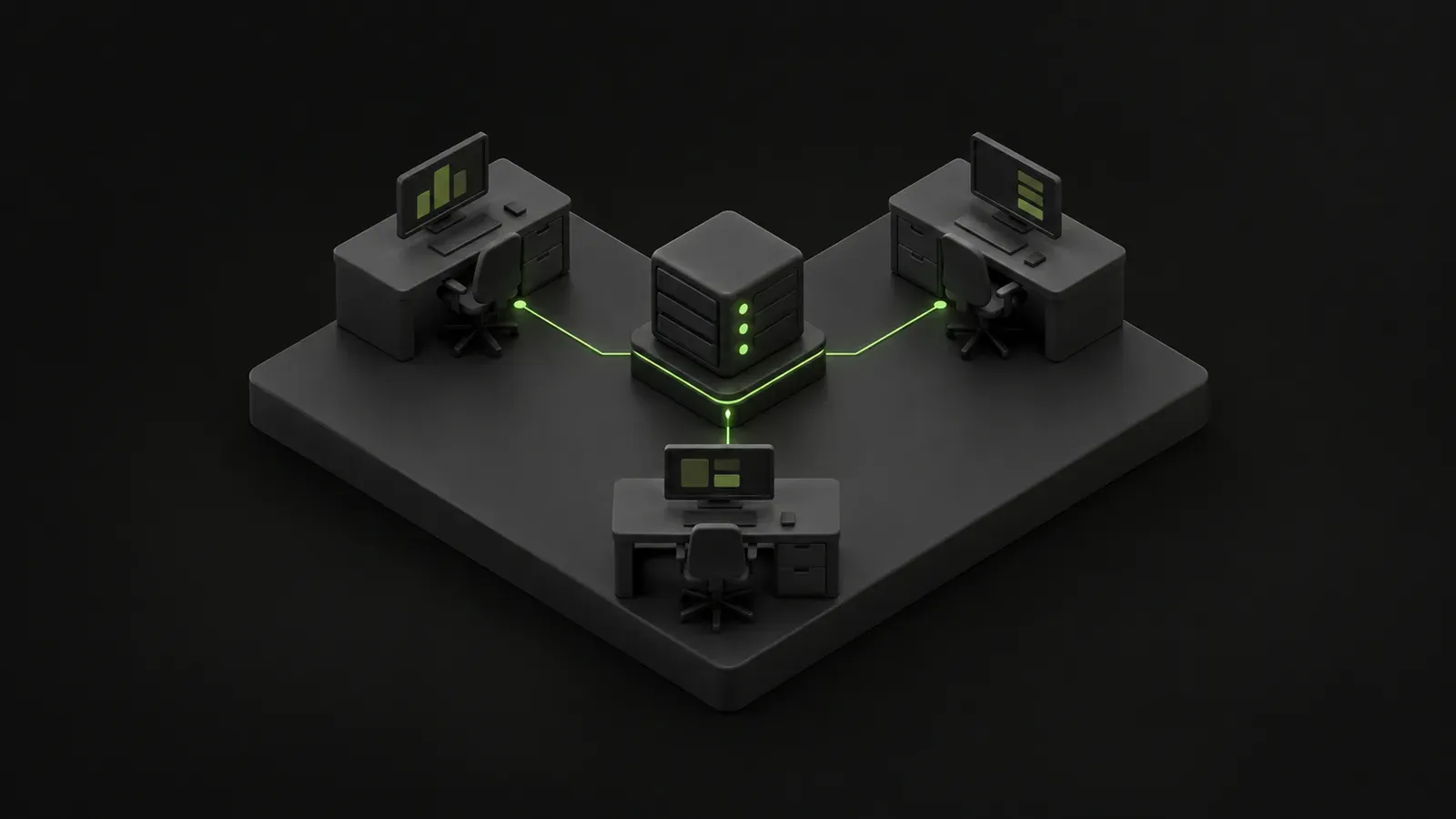
In a small business, IT often becomes an extra responsibility for whoever feels most comfortable with computers. The office manager calls a technician when something stops working, helps new employees sign in and keeps track of which laptop belongs to whom. Those tasks compete with the work that person was hired to do.
Managed IT services mean assigning the ongoing care of your technology to an outside provider under a defined agreement. In Québec, you may also hear the French term infogérance. The practical question behind both terms is the same: which responsibilities will the provider take on, and which will your business keep?
Ongoing responsibility with a defined scope
A support call addresses a particular problem. Managed IT also covers agreed work between those problems, such as maintaining computers, reviewing alerts, managing access and preparing for changes. The relationship continues throughout the agreement instead of starting only when someone needs help.
That does not automatically make the provider responsible for everything connected to your network. A specialized application, an older server or an internet connection may need separate arrangements. The scope of service is simply the list of systems, people and tasks covered by the agreement.
Your business still has decisions to make. Someone needs to approve purchases, identify who should have access to information and notify the provider about staffing changes. The provider handles the agreed technical work, while management sets business priorities. Both sides should understand where their responsibilities begin and end.
What managed IT typically includes
Packages differ, but many bring together the same basic functions. Look at what each function covers instead of assuming that a package name tells the whole story.
- Help desk: assistance with sign-in problems, email, workstations, shared files and other covered tools employees use.
- Monitoring and maintenance: watching for system alerts, checking equipment health and carrying out scheduled upkeep.
- Updates and patching: installing software fixes that address defects or security weaknesses in supported products.
- Security layers: combining measures such as computer protection, email filtering and multi-factor authentication. Multi-factor authentication asks for an additional proof of identity beyond a password.
- Backups: keeping recoverable copies of covered information, checking backup jobs and testing whether data can be restored.
- Microsoft 365 administration: managing accounts, licences, mailboxes and agreed sharing and security settings.
Continuous monitoring and round-the-clock employee support are different services. Monitoring tools can watch systems 24/7 without a technician being available to answer every employee request at any hour. Alert handling, maintenance and patch installation also need defined arrangements. Evolute I.T. provides 24/7 monitoring, while its help desk operates during business hours.
Backup coverage deserves a clear explanation too. Confirm which information is protected, how long copies are retained and what restore testing includes. Having files synchronized to the cloud does not, by itself, establish that you can recover everything after deletion or damage.
The work beyond troubleshooting
A new employee needs more than a working laptop. Someone must create an account, assign suitable access and prepare the necessary applications. When an employee leaves, access needs to be removed at the agreed time, with instructions for handling their email and files. The business authorizes these decisions; the provider completes the covered technical steps.
Vendor coordination may also be part of the service. If your accounting application cannot connect or your internet service is unreliable, your IT provider may help identify the source and work with the relevant vendor. That coordination does not give the provider control over another company’s timelines or decisions.
Documentation records the information needed to manage your environment: equipment, configurations, responsibilities and useful procedures. It reduces dependence on one person remembering how everything works.
Planning brings upcoming replacements, recurring frustrations and business changes into the same conversation. An IT advisor, sometimes called a vCIO, helps connect technology decisions with business needs. Evolute I.T. offers quarterly reviews with an IT advisor to support that planning.
How the monthly model works
A monthly fee is usually based on users, devices, servers or a combination of them. The service scope matters as well. Included tools, supported applications and on-site requirements can all affect how an agreement is structured.
The fee covers an agreed set of recurring responsibilities. It is not necessarily a prepaid balance of technician hours. Some agreements include routine support for covered systems, while others set limits. If an offer uses the word “unlimited,” ask which requests qualify and which fall outside that promise.
Projects, new hardware and major migrations are often billed separately. Replacing office computers or moving an application to a different platform may require a separate quote. Software licences, travel and after-hours work can be included or excluded depending on the agreement.
Ask how billing changes when someone joins the business, a device is retired or a service is added. A predictable monthly service fee can make budgeting easier, but it does not turn every future technology expense into a fixed cost. The agreement should explain both the recurring charge and how additional work gets approved.
Fully managed and co-managed IT
Fully managed IT generally suits a business without an internal IT person. The provider takes on the agreed functions, while a designated contact inside the business handles approvals and communicates priorities.
Co-managed IT supports a business that already has someone responsible for technology. The outside provider complements that person’s work, perhaps by handling employee support, monitoring, backups or specialized project work. Evolute I.T. offers co-managed services.
The main distinction is how responsibilities are shared. In a co-managed arrangement, both parties need to know who receives alerts, makes changes and updates documentation. A clear division helps prevent duplicated effort and tasks being left undone because each side expects the other to act.
When occasional support may be enough
Ad-hoc support, sometimes called break-fix support, usually means paying for time and materials when help is needed. Another option is a prepaid block of hours that is drawn down as work is completed. Buying hours does not automatically include monitoring, maintenance or responsibility for ongoing system health.
This approach can suit a stable small office with few changes and occasional support needs. There still needs to be someone responsible for updates, backups and access between calls. Infrequent requests for help do not remove those routine tasks.
Managed services become more useful when the business is growing, regularly adding employees or relying heavily on its systems to operate. Security concerns, insurance requirements and compliance obligations can also make documented, ongoing attention more valuable. A managed service agreement alone does not guarantee compliance or insurance approval.
Compare the responsibilities being handled, as well as the billing method. With occasional support, your business must arrange the work that happens between incidents. With managed IT, an agreed portion of that work belongs to the provider. Either model needs a clear owner for essential tasks.
What the agreement should explain
You should be able to describe how the service works without having to interpret vague promises. Before signing, make sure the agreement explains:
- which users, equipment, applications and locations are covered;
- what is excluded and how additional charges are authorized;
- support hours, urgent request handling and arrangements for on-site visits;
- the initial onboarding process and any work required before regular service begins;
- who owns administrator accounts and documentation, and how your business accesses them;
- the term, renewal process and conditions for ending the agreement;
- how access and information are handed over when changing providers.
The right arrangement reflects how much continuity your business needs and how much IT coordination it can handle internally. Defining the work and assigning responsibility makes it easier to compare options and build a service relationship with clear expectations.
Explore our managed IT services to learn more about this approach, or contact Evolute I.T. to discuss what your business needs.